Photo slideshow for Android
Your photos, playing in full screen
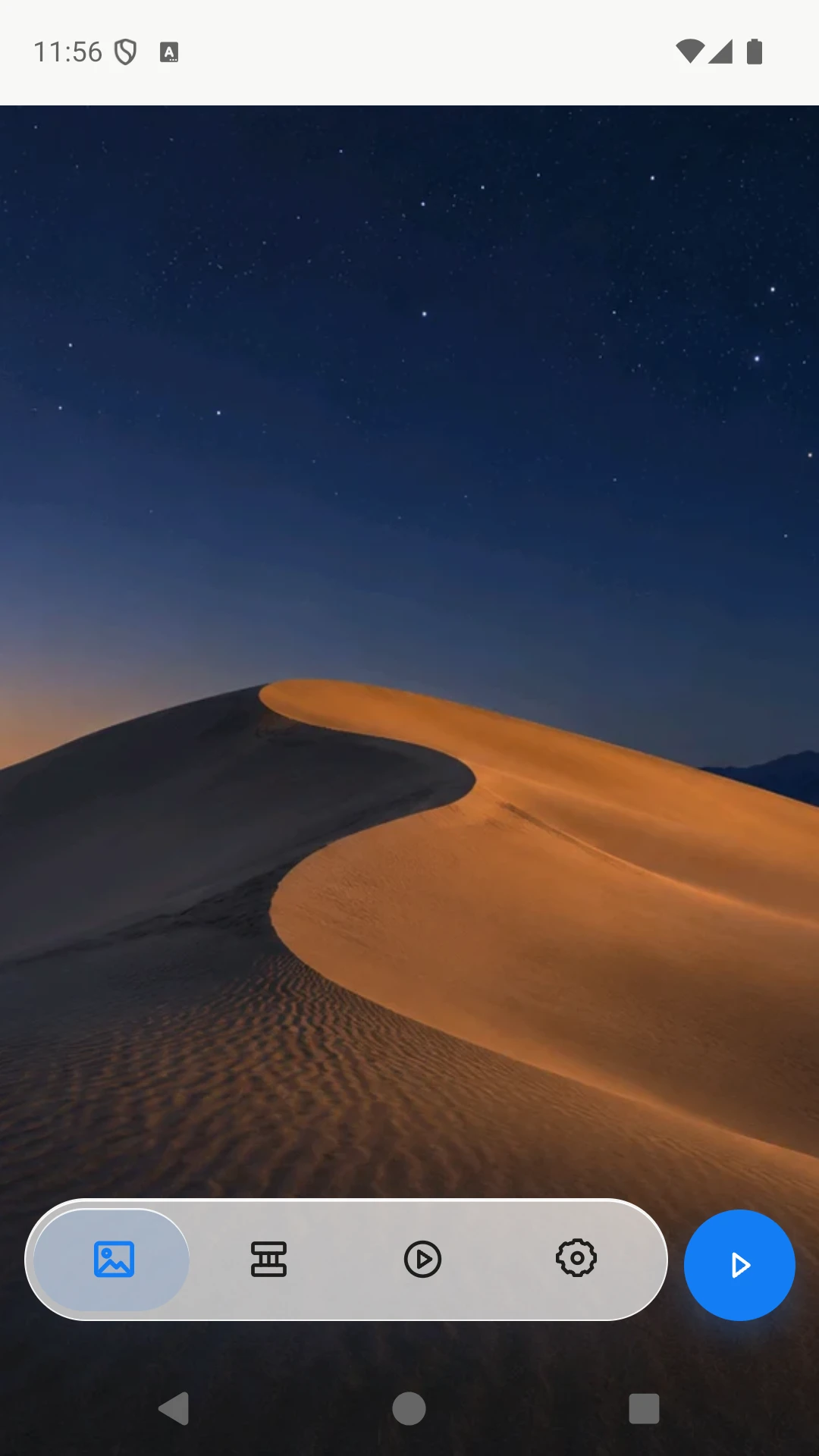
Slideshow Album turns your Android phone or tablet into a digital photo frame. Connect the photo sources you choose, then keep enjoying your photos as they change automatically in a full-screen slideshow.
Get it on Google Play
Screenshots
Slideshow and display
- Slideshow and display
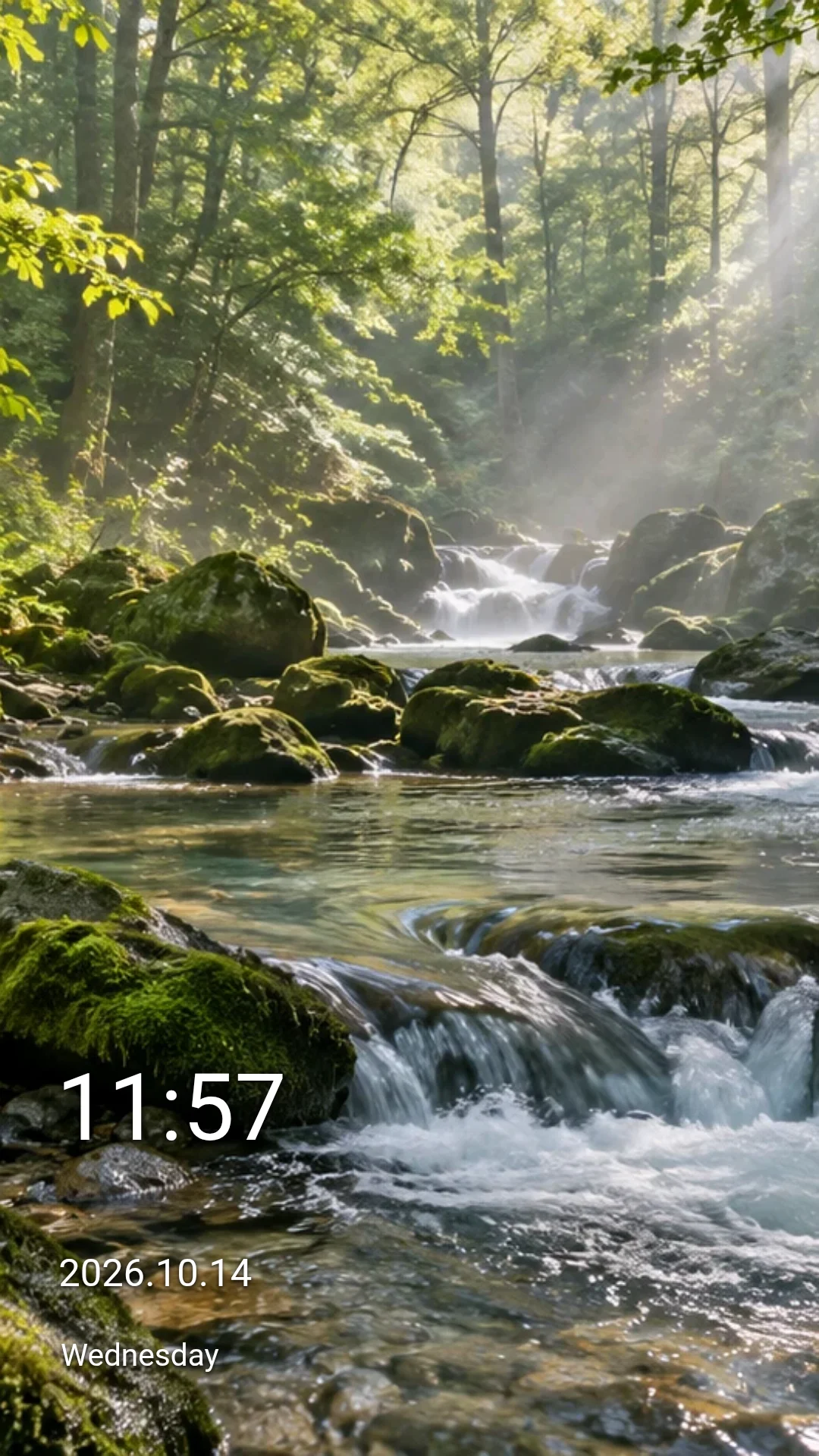
- Adjust slide intervals, transition effects, transition duration and image fit. Add a clock with time, date and weekday, then change its position, size, color and font.
- Photo sources
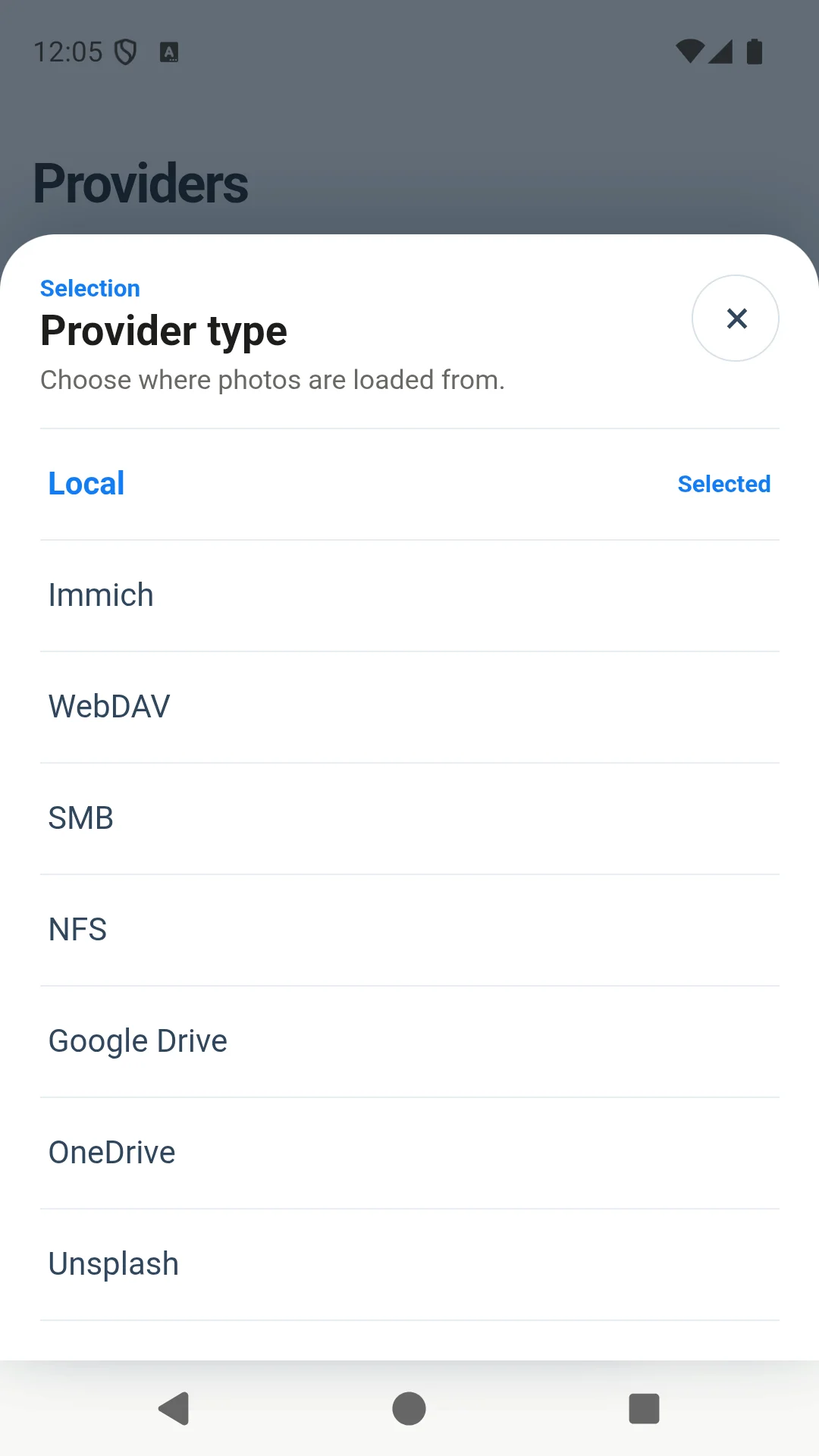
- Choose local folders or combine supported sources: Google Drive, OneDrive, Dropbox, pCloud, Immich, Flickr, Unsplash, SMB, NFS and WebDAV. Some sources require an account, server credentials or your own API key.
- Photo cache
- Enable photo caching, set a storage limit and clear cached images in Settings. Cloud and network sources need a connection to discover or download new photos.
Photo sources
- Local folders
- Google Drive
- Dropbox
- OneDrive
- pCloud
- Flickr
- Unsplash
- Immich
- SMB
- NFS
- WebDAV
Connection, ads and support
The app contains ads. An optional rewarded ad adds 24 hours without ads, up to 10 days. Privacy policy and support: Privacy Policy